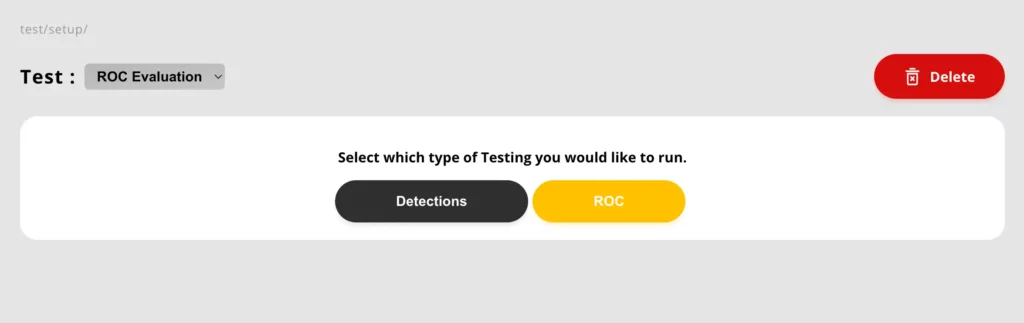
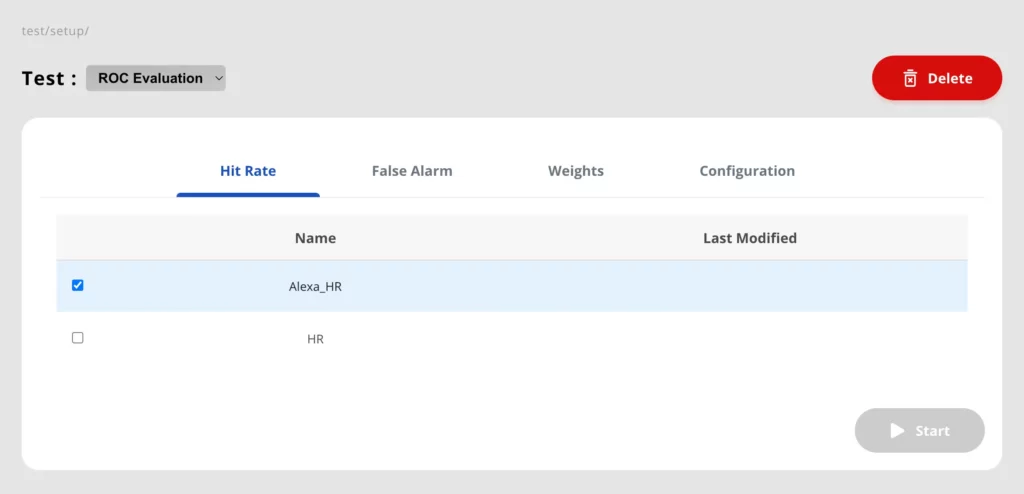
Hit Rate data folder: select data folder available in the Hit Rate tab
False Alarm data folder: select data folder available in the False Alarm tab
Detections:
Detections data folder: select data folder available in the Detections tab
Weights: Select one of your weights folders.
Select up to 24 bin files.
Configuration settings in the editable fields:
DE: Set to this value to 1 if Cross Triggers are too high in multi-class trainings
Wav file saving suppression: By default, the detections are saved as .wav files, setting following parameters to 1 will not save the .wav files for that particular feature. Performance metrics will always be saved,